MCP server Team
Who this page is for. This page is for people who set up AI assistants, usually a developer or the IT team. The MCP server lets an AI assistant, such as Claude Desktop, read the meetings in one ScribX space. You can then ask the assistant questions about your meetings in its own chat. If you are not technical, send this page to your IT team.
The MCP server is available on Team and Enterprise. It is switched on separately for each space: your own space, or one team. See Plans & billing.
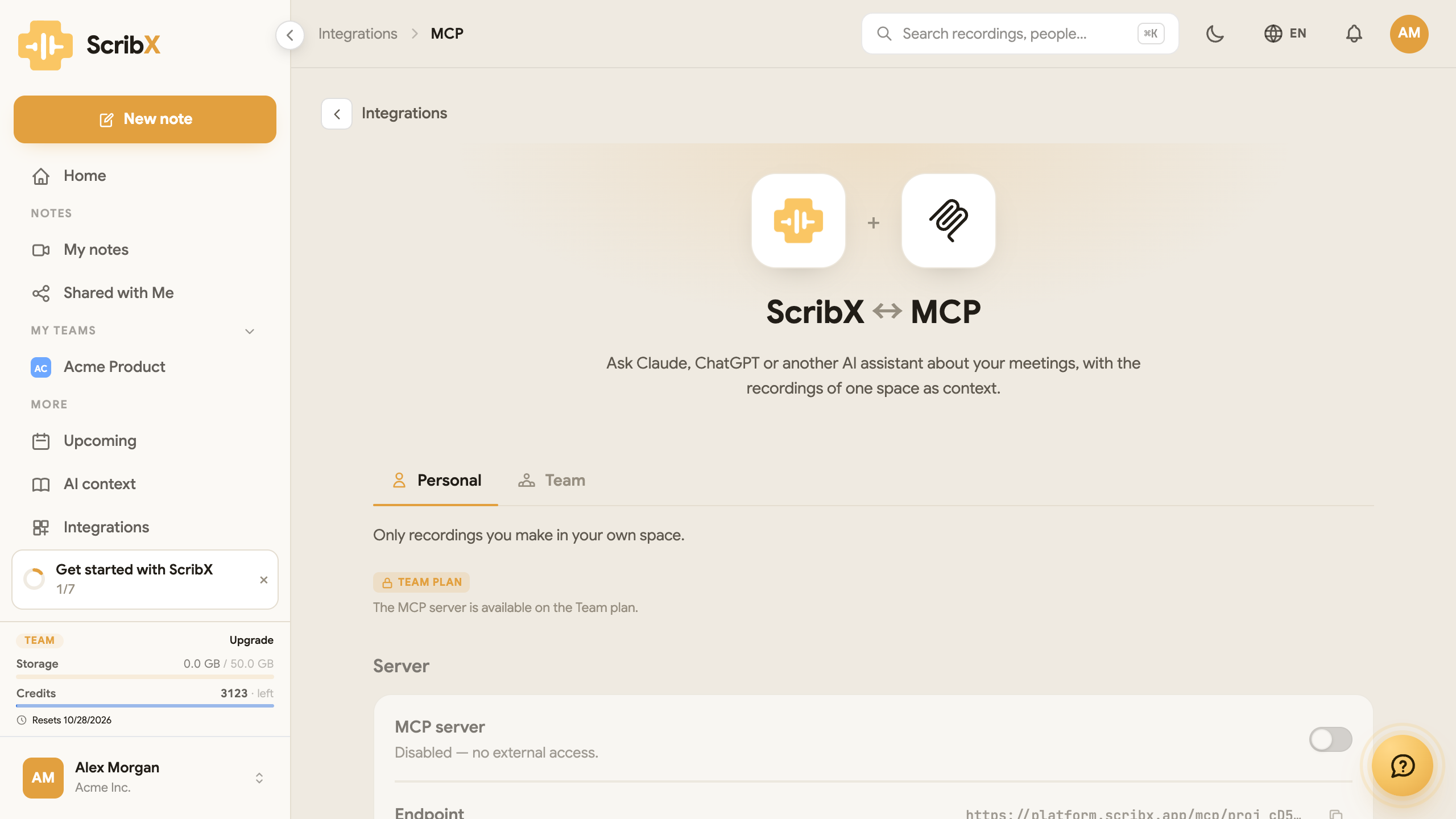
MCP means Model Context Protocol. It is a standard way for an AI assistant to connect to other apps. ScribX offers an MCP server, so the assistant can find meetings, read transcripts and read summaries by itself. You do not need to copy and paste.
What you can ask
After you connect the assistant, you can ask questions like these:
- "Summarize the decisions from this week's product meetings."
- "What action items are assigned to me, and from which meeting?"
- "Find where we discussed the pricing change and quote it."
Before you start
- Your organization is on the Team or Enterprise plan.
- You are an admin of the team you want to connect. (In your own space, you are always the admin.)
- You have an AI assistant app that supports MCP servers, for example Claude Desktop.
Connect an assistant
- In the web app, in the sidebar under MORE, click Integrations.
- Under Advanced, click MCP.
- At the top, click Personal (the meetings in your own space) or Team (the meetings of one team).
- Under Server, turn on the MCP server switch. The text below it changes to Enabled — reachable with a team API key.
- Next to Endpoint, click the copy icon. This is the web address of the server.
- Create an API key for the same space. Follow
Create an API key. Tick the scope
recordings:read, or leave all scopes empty for full access. - Scroll down to Connect an assistant. It shows the text to paste into your assistant's MCP
settings. In Claude Desktop, this is the file
claude_desktop_config.json. - In that text, find
Bearer scribx_…. Replacescribx_…with your full API key (it also starts withscribx_). Keep the wordBearerand the space after it. Save the file and restart the assistant. The nametdxscribeis only a label; you can keep it.
{
  "mcpServers": {
    "tdxscribe": {
      "url": "<your Endpoint>",
      "headers": { "Authorization": "Bearer scribx_…" }
    }
  }
}
What you'll see
The assistant lists six ScribX tools. It uses them by itself when you ask a question:
| Tool | What it does |
|---|---|
list_recordings | Lists the meetings in the space. |
get_transcript | Reads the transcript of one meeting. |
search_transcripts | Searches all transcripts for a word. |
get_summary | Reads the summary of one meeting. |
get_participants | Lists who was in a meeting. |
get_recording_metadata | Reads the date, status and other details of one meeting. |
The assistant sees only the meetings of the space you chose.
Add a context & glossary to the space. The assistant then gets the same correct names and terms that your summaries use.
Security
- The assistant needs an API key of the space. You can remove the key at any time: open Integrations → API and click Revoke key.
- You can switch the server off at any time in Integrations → MCP. Only team admins can switch it on or off.
- The server follows the same access rules as the app. It cannot read meetings outside its space.
If it does not work
- The assistant says it cannot connect. Check that the MCP server switch is on, and that the Endpoint in your settings is complete.
- The assistant says the key is not valid. Check that the key is from the same space, that it
was not revoked, and that it has the
recordings:readscope (or no scopes at all). - The switch cannot be turned on. You are not an admin of this team, or your plan does not include the MCP server.