Choose how to capture
ScribX can capture a meeting in four ways. Each way gives you a note with the transcript, the translation and the summary. The difference is whether something joins the call, and whether the meeting is still happening.
| Send a bot | Capture in browser | Voice recording | Upload a file | |
|---|---|---|---|---|
| What joins the call | A ScribX participant (the bot) | Nothing — the extension reads Meet's captions | Nothing — ScribX uses your microphone or a tab | Nothing — the meeting is over |
| You can | Close the tab and leave | Read captions while you stay in the call | Record with no online call | Add a past meeting |
| Others see | A bot in the participant list | Nothing new | Nothing new | — |
| Best for | Planned calls, calls you may leave, the most complete record | A Google Meet call you are already in | Meetings in a room, quick notes | A recording from somewhere else |
| Works with | Meet, Zoom, Teams, SkyOffice | Google Meet only | Anywhere | Any audio or video file |
| Credits | 1 per minute | Free | 0.5 per minute | 0.4 per minute |
- You need to leave, or the meeting is in the Zoom or Teams desktop app: send a bot.
- You are already in a Google Meet call and only need captions: capture in browser.
- There is no link (a room, a phone call): make a voice recording.
- The meeting is over and you have the file: upload it.
You can choose a different way for each meeting.
Send a bot
A bot joins the meeting as a participant. It records and transcribes, then leaves when the call ends. You don't need to keep anything open. Bots can also join automatically from your calendar, on every plan.
In the web app:
 123
123- 1Paste the link, then Invite ScribX
- 2Meeting languages
- 3Options for this meeting
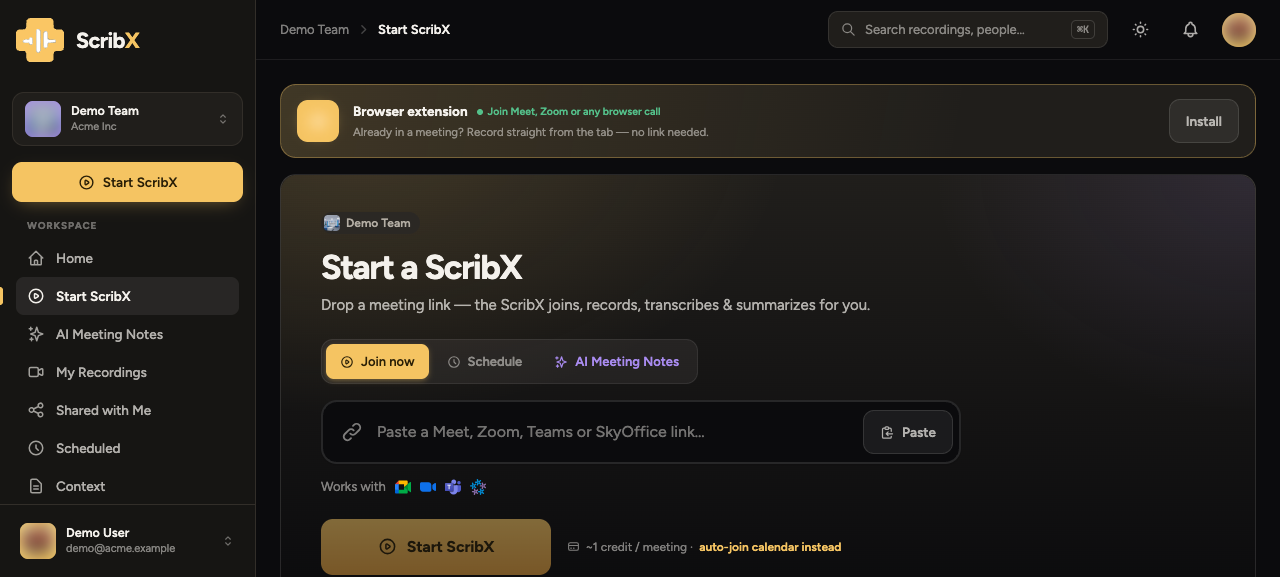
- In the sidebar, click New note. An empty note opens with a meeting-link box at the top.
- Paste the meeting link: Google Meet, Zoom, Microsoft Teams or SkyOffice.
- If you want, change the settings under For this meeting:. The language button sets the languages. Options sets the transcription type, what is recorded, the context, a short brief for the AI and the summary template.
- Click Invite ScribX.
→ Send a bot · Manage the bot in-call
With the extension you can start from the ScribX panel inside the call. See Capture from the extension.
Capture in browser
In a Google Meet call, the extension can show Live captions in its panel. It reads the captions that Google Meet makes. No bot joins, and it costs no credits. The extension does not record the audio.
- Join the Google Meet call. In the Meet toolbar, click CC to turn on captions.
- Open the ScribX panel. Under Capture this meeting, click Live captions, then Start live captions.
The note is saved in your library after the first caption arrives. The live summary and action items need the bot.
→ Capture from the extension · In-meeting captions
Voice recording
For a meeting in a room, or anything with no link, a voice recording uses your microphone. It can also record the sound of a browser tab you share. ScribX transcribes, translates and summarizes it like any other capture.
In the sidebar, click New note, then Record on this device. On a phone, it is the middle button in Compact mode.
Upload a file
The meeting is over, and you have the recording. For example: a Zoom cloud recording, a webinar, or an interview recorded on a phone. In the sidebar, click New note, then Upload recording. ScribX transcribes it, separates the speakers, and writes the summary and the translation.
A note on consent
Recording laws and your company's rules still apply, whichever way you capture. See Consent & recording.