My notes
My notes shows everything you have recorded, in every team:
- meetings that ScribX joined,
- meetings you captured with the browser extension,
- voice recordings made on your device,
- files you uploaded.
A new note appears here a few seconds after the meeting ends. It has its transcript, its summary and its sharing settings.
To open it, click My notes in the sidebar, or go to platform.scribx.app/notes.
Some notes have a transcript but no audio or video. For example, the meeting was captured from the meeting app's own captions, or you chose not to keep the sound. "Note" is the word that fits all of them.
Browse your notes
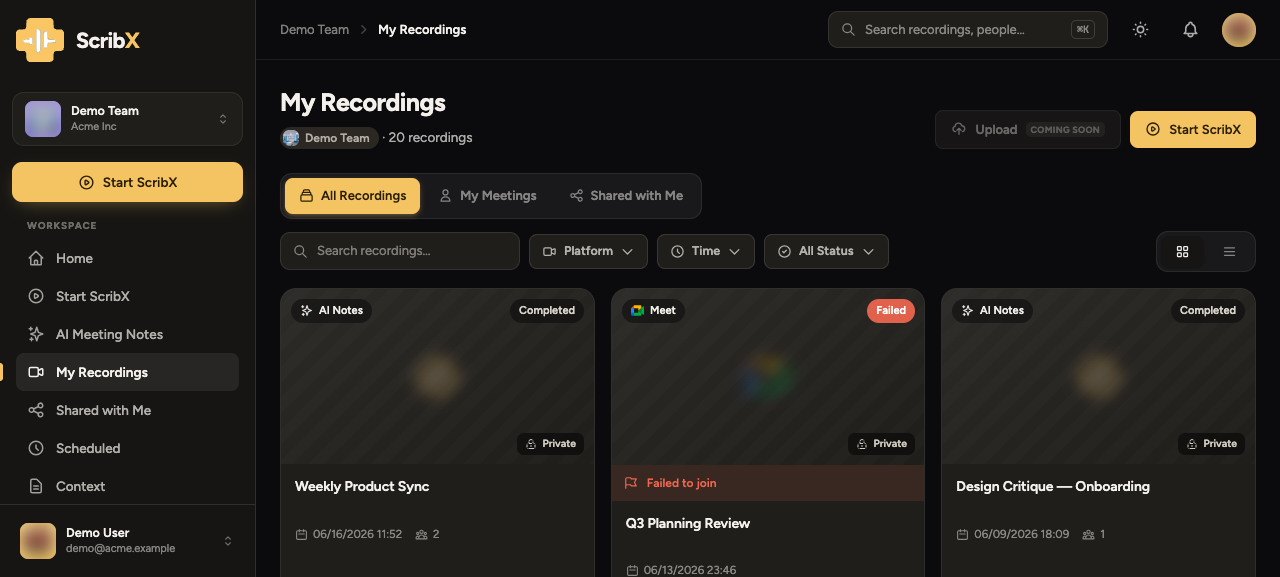 12345
12345- 1New note: start a new meeting
- 2Folder: create a folder
- 3Search and filters
- 4The team, or Not in a team yet
- 5Click a card to open the note
The newest notes are first. Each card shows:
- the title: from the calendar event, the meeting's name, or the name of the file you uploaded;
- the source: the meeting app it came from (with its logo), and whether it has audio or video;
- where it is: its team, or Not in a team yet for a note in your own space. Next to it, in grey, you see who can see it, for example only you;
- the date and how many people took part.
Click a card to open its note page.
Start a new note
Click New note (top right, or the big button at the top of the sidebar). The new note lets you invite ScribX to a meeting link, record on this device, or upload a file. See Capture a meeting.
Other places in the sidebar
- My notes: everything you recorded, in every team.
- Shared with Me: notes that other people shared with you.
- MY TEAMS: each team has its own page with the team's notes. Click the team's name.
- Upcoming: meetings on your calendar that ScribX will join.
Search and filter
Use the bar above the cards (③). The list changes at once:
- Search looks inside transcripts and summaries, not only in titles. You can find a meeting by something that someone said.
- Source: Google Meet, Zoom, Microsoft Teams, SkyOffice, a voice recording, or an uploaded file.
- Team: All teams, Not in a team yet, or one team. Each choice shows how many of your notes it has.
- Time: a ready-made time range, or dates you pick on a calendar.
- Status: recording, completed, or failed.
When a filter is on, a Clear button appears next to the filters, with the number of notes found. Click Clear to see all notes again.
File notes into a team
A note you record in your own space is only for you. It stays there until you move it into a team. My notes shows which notes are still in your own space.
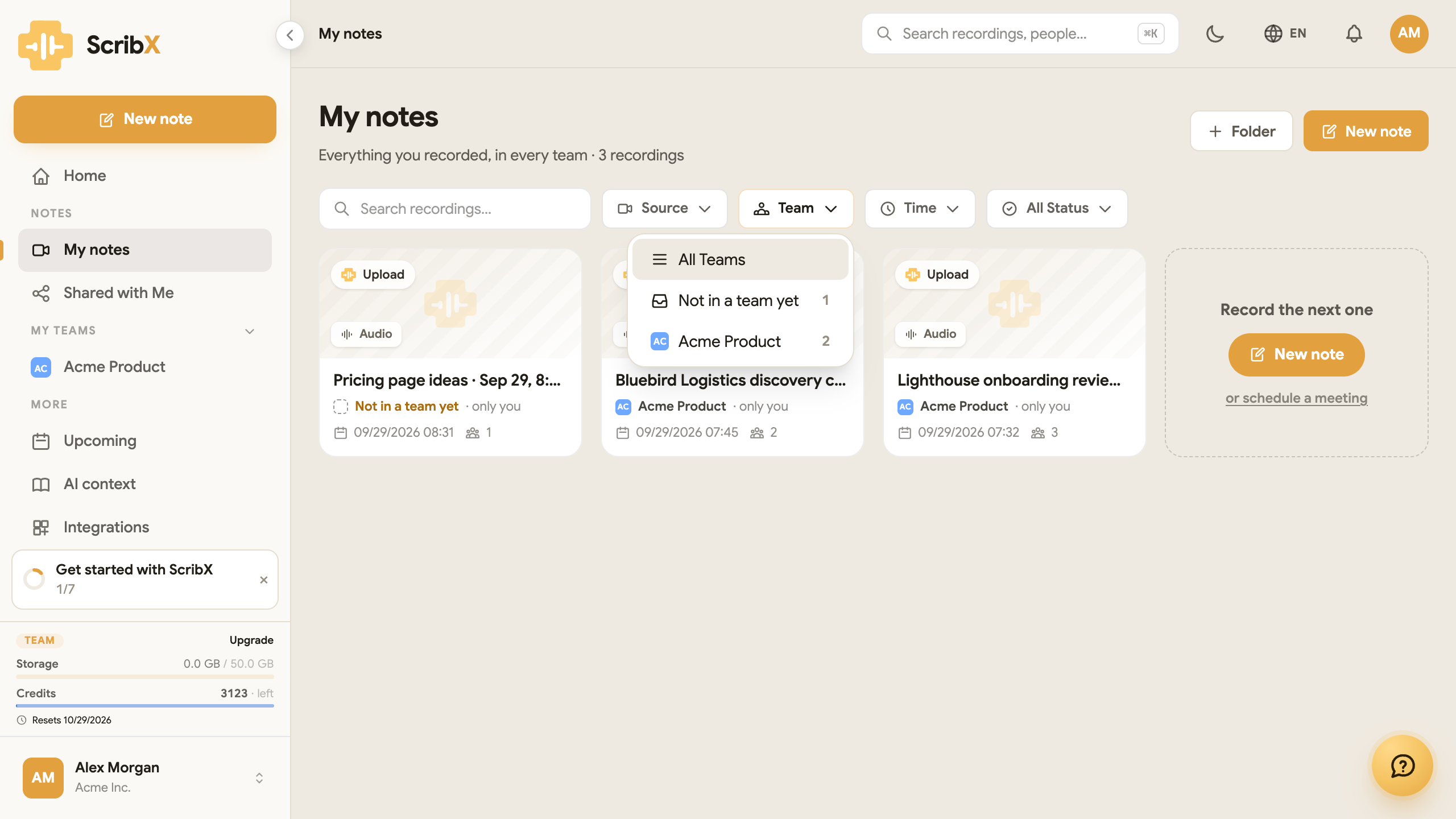
- Above the list, open Team and choose Not in a team yet. The number next to it is how many of your notes are not in a team.
- Tick the cards you want to move. The tick box appears when you point at a card.
- In the bar at the bottom, click Move to folder or team. Choose the team, or one of its folders.
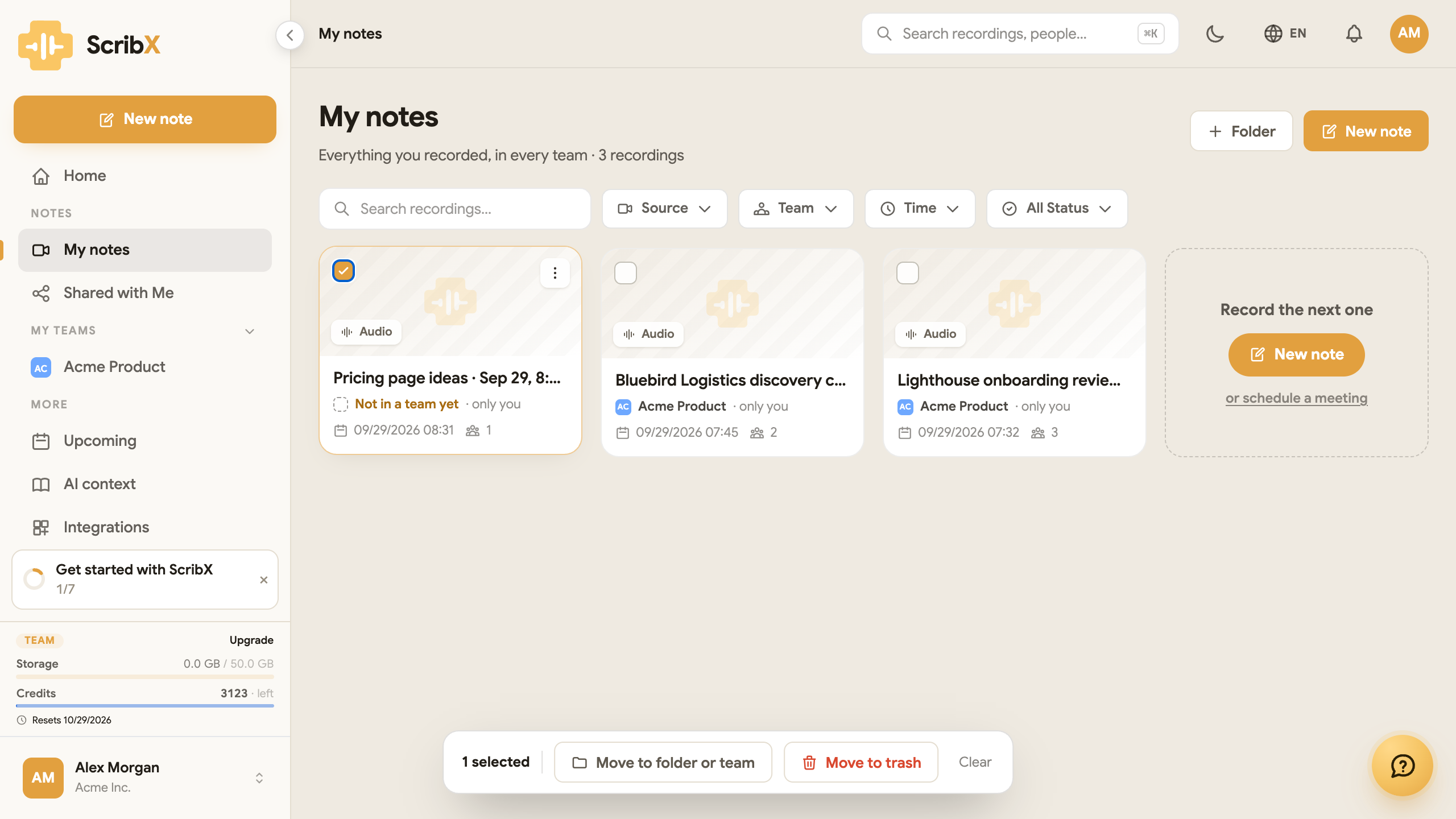 12
12- 1Tick a card
- 2Move to folder or team
A note that you move into a team is shared with that team. It is the same as a note recorded in the team.
Folders
Folders keep notes together in one place. They are not labels: a note is in one folder at a time. To create one, click Folder (②). Then move notes into it, or open the folder and start a new note there.
A folder in a team belongs to the team, and everyone in the team can see it. A folder in your own space is only yours. See Folders.
Deleted notes
To delete a note, open its ⋯ menu and click Move to trash. Deleted notes go to Trash in the sidebar.
- A note stays in the Trash until you remove it. ScribX does not empty the Trash by itself. You can restore a note at any time.
- Notes in the Trash do not count toward your storage limit.
- Empty trash deletes the notes for good. You cannot undo this.
The Free plan shows the notes of the last 30 days. Pro and Team show the last 90 days. If an older note is missing, it is not deleted. It comes back when your organization moves to a higher plan. See Plans & billing.