Welcome to ScribX
ScribX records your meetings, writes the transcript, translates it while people talk, and writes a summary for you. Every meeting is saved and easy to search. ScribX has two parts, and you use one account for both:
- The browser extension works inside Google Meet and Zoom in the browser. It shows the live transcript and translation during the call. In Google Meet it can also show live captions with no bot in the meeting. (For Microsoft Teams, send a bot instead. See Supported platforms.)
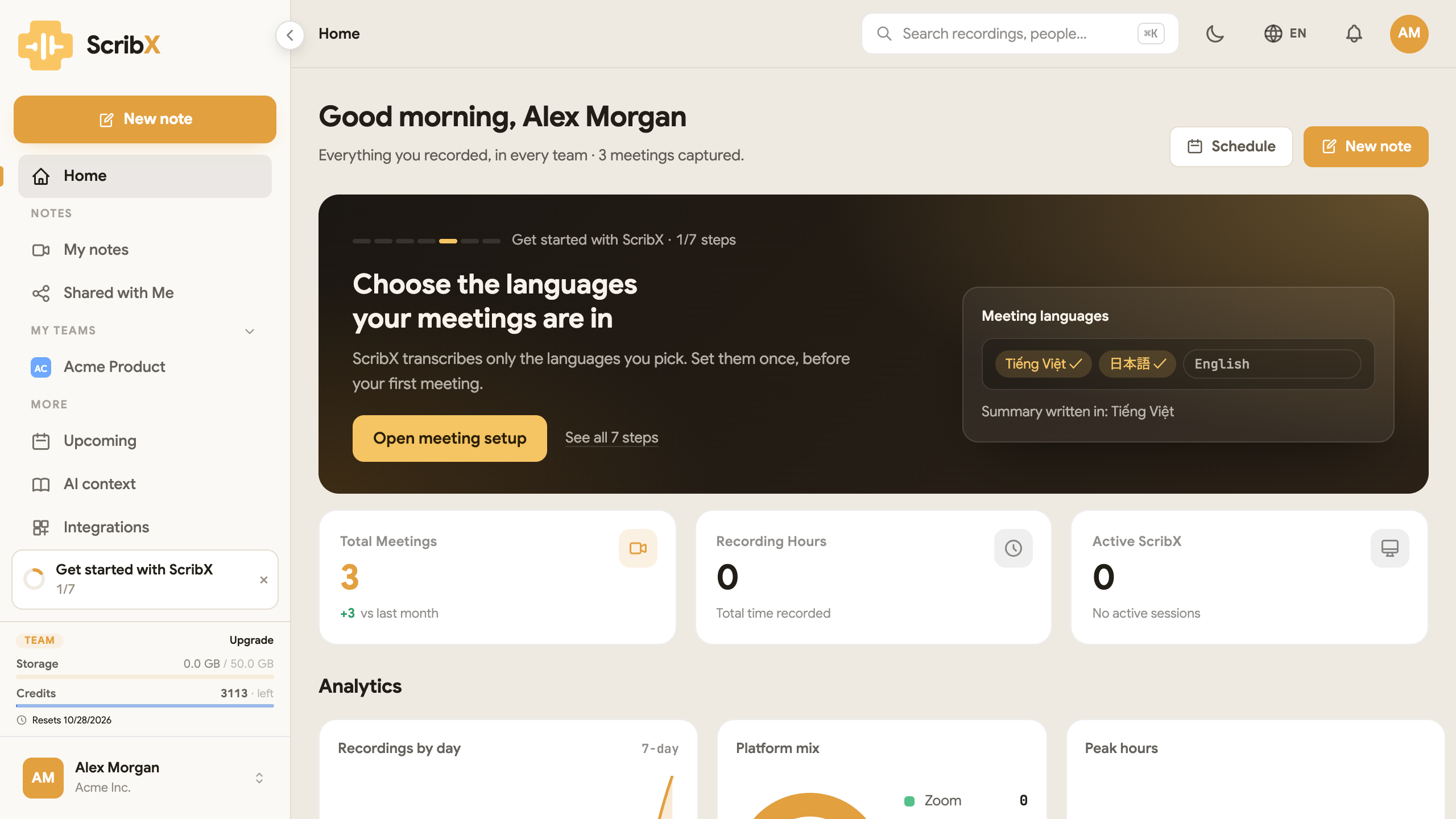
- The web app (platform.scribx.app) is where all your meetings are kept, with the transcript, the AI summary, action items and sharing. You can also start and stop a recording there, without the extension. It has a Live Companion window to read the live transcript beside Zoom or Teams desktop, and a phone-sized Compact mode.
You can capture a meeting in four ways:
- Send a bot to join the call for you.
- Use live captions in the extension, in a Google Meet call you are already in.
- Record your microphone with a voice recording.
- Upload a file of a meeting that ScribX was not in.
Each way opens as a note. A note is a page where you can write your own notes before and during the meeting. After the meeting, ScribX adds its summary to the same page.
 1
1- 1New note: bot, recording or upload
How a meeting flows through ScribX
- Capture — send a bot, start live captions in the extension, record on this device, or upload a file.
- Live — the transcript and translation appear while people talk. ScribX notes Chapters (decisions, problems, action items) as they happen. You can type your own notes next to them.
- Summary — a few moments after the call ends, ScribX writes the summary on the same page.
- Library — the note is already in My notes in the sidebar, ready to edit, search and share. See My notes.
Start here
The ScribX app is available in English, Vietnamese, Japanese, Korean and Simplified Chinese. To change it, click the language menu (EN) in the top bar of the web app. A meeting can be in any of these languages, and in more than one at the same time. See Languages.
See scribx.app for the product overview, or open the app to get started.