Version history
A note holds two pieces of writing that are not the same thing: what you typed, and what ScribX wrote. Each keeps its own history, and the ⋯ menu names them apart:
- History of my notes — your Notepad
- History of the report — the summary
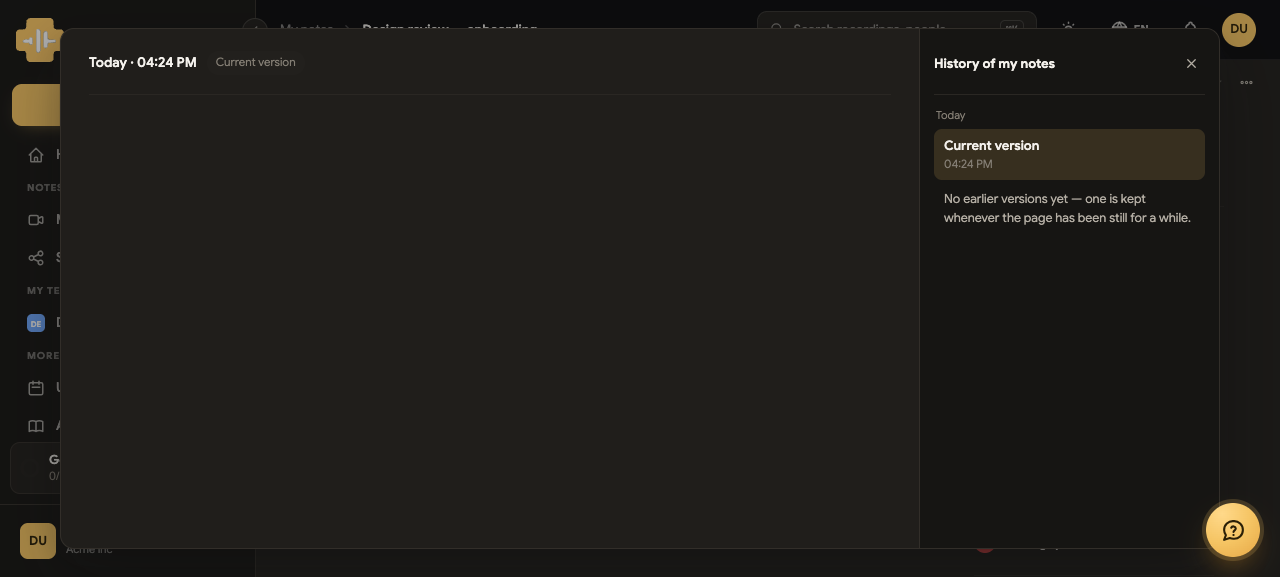
When a version is kept
A version is saved when the page has been still for a while — not on every keystroke, and not on a timer that fills the list with noise. Stop typing, and what you had becomes a version.
Until the first pause, the panel says so plainly rather than showing an empty list:
No earlier versions yet — one is kept whenever the page has been still for a while.
Reading a version
Pick a version and the page shows it beside the current one, with what changed marked — added text and removed text, rather than two walls of prose to compare by eye.
A long version scrolls on its own, so comparing a two-page write-up does not mean scrolling the whole window.
Going back
Restore puts that version back as the current text. It is an ordinary edit, not a rewind: the version you were on stays in the history, so restoring is itself undoable. Nothing is lost by trying one.
Who sees what
The histories follow the note's own access. Somebody who can read the note can read its history; somebody who can only read cannot restore. A viewer of a note has nothing to open here — and the panel says that, rather than offering a control that would be refused.