Sign in & accounts
You use one ScribX account for the web app and for the browser extension. When you sign in to one of them, you are also signed in to the other on the same computer.
Create an account
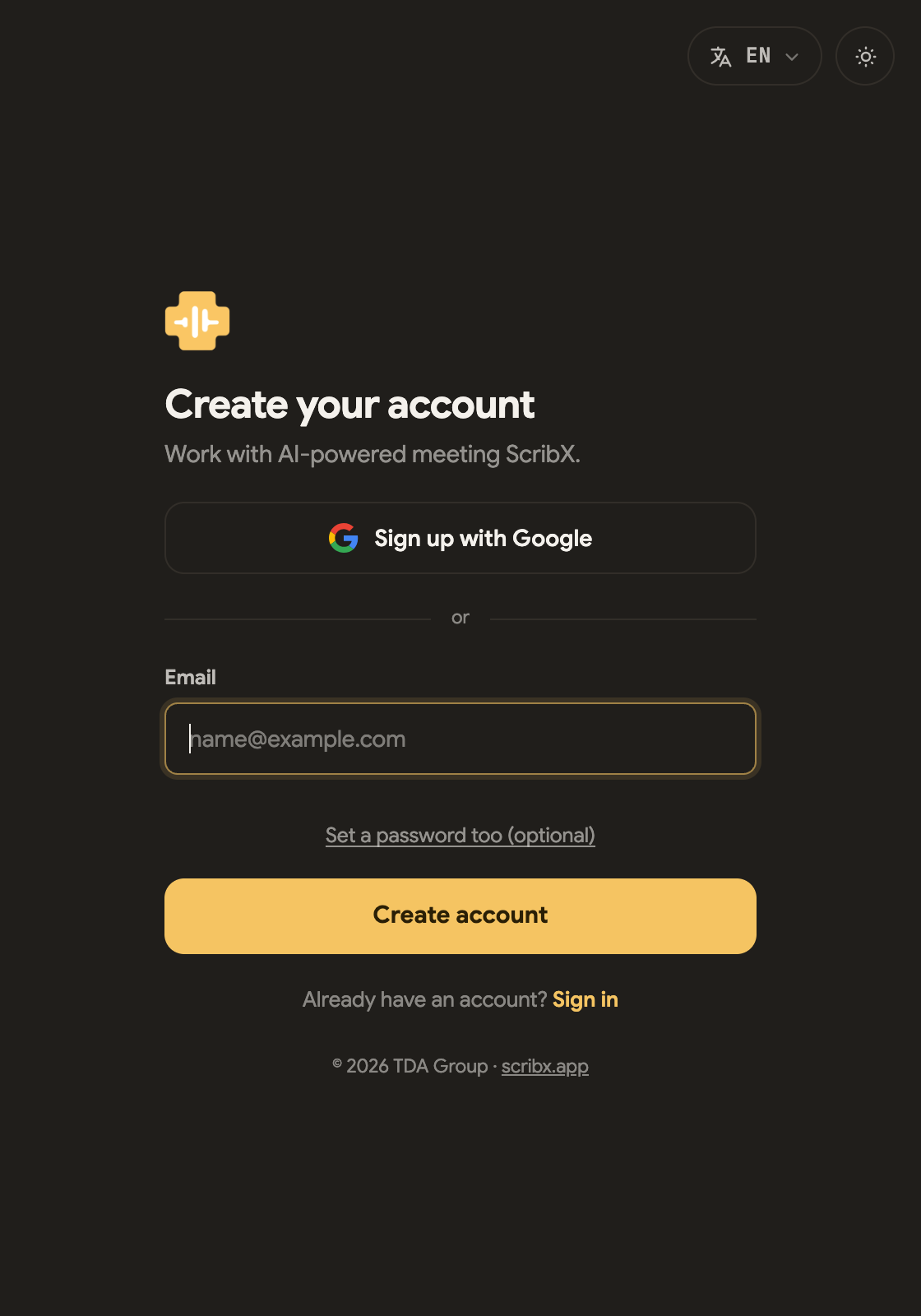 123
123- 1Sign up with Google
- 2…or just your email — the only required field
- 3Set a password too — optional
- Go to platform.scribx.app and choose Sign up.
- Click Sign up with Google, or enter your email. The email is the only required field.
- A password is optional. To add one, click Set a password too. Without a password, you sign in with a code by email or with Google.
- ScribX sends you an email. Open the confirmation link in it to turn on your account. If you signed up with Google, you can skip this step.
- You start on the Free plan. You don't need a credit card. See Plans & billing.
Didn't get the email? Wait a minute, then look in your spam or junk folder.
Three ways to sign in
The same account works in the web app and the extension. Choose one of these ways:
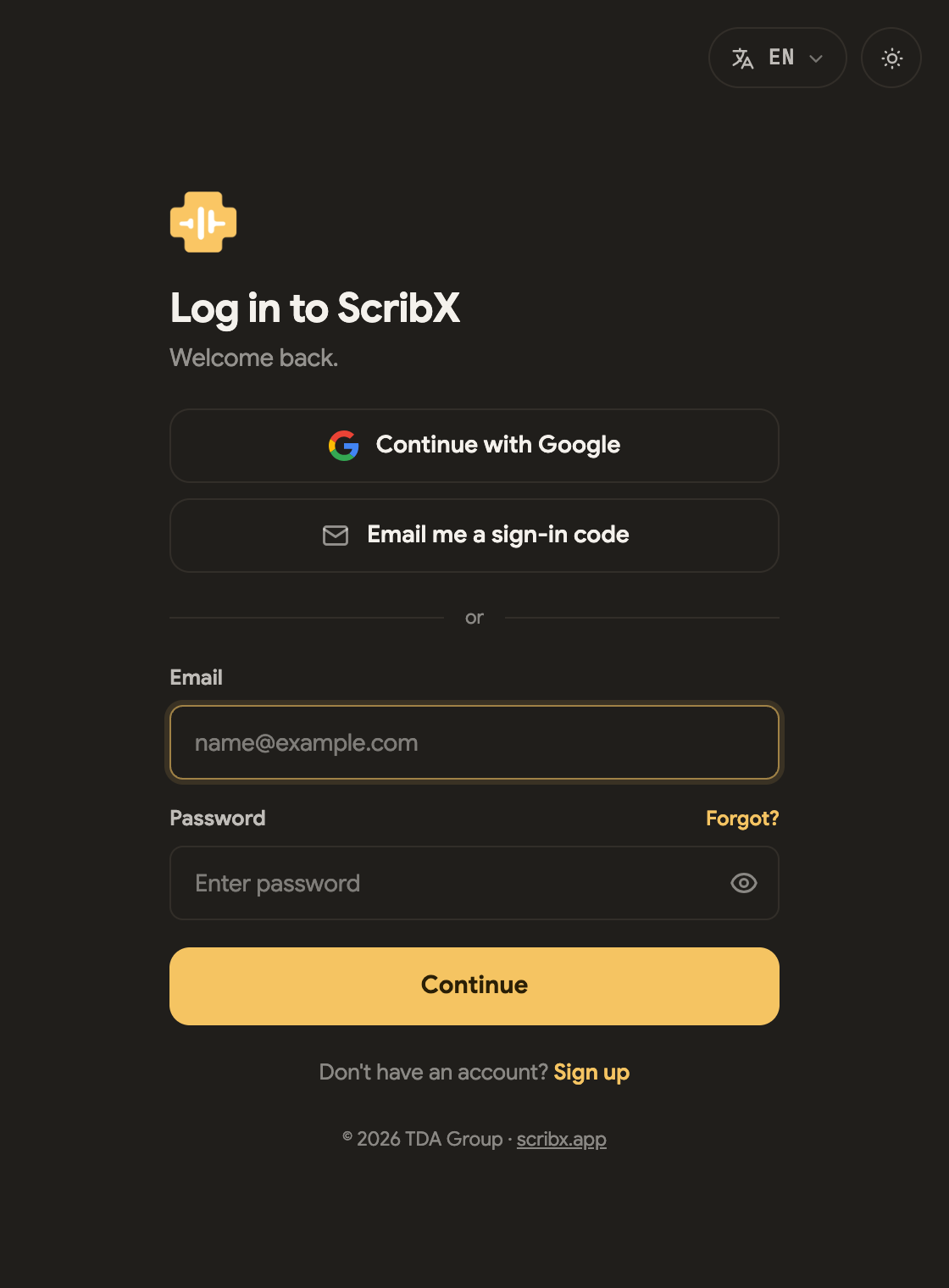 123
123- 1Continue with Google
- 2Email me a sign-in code — no password needed
- 3…or your email and password
Google
Click Continue with Google. You don't need to remember a password. Use it if you signed up with Google.
A sign-in code by email
You don't need a password. This is useful if you forgot your password, or if you use someone else's computer.
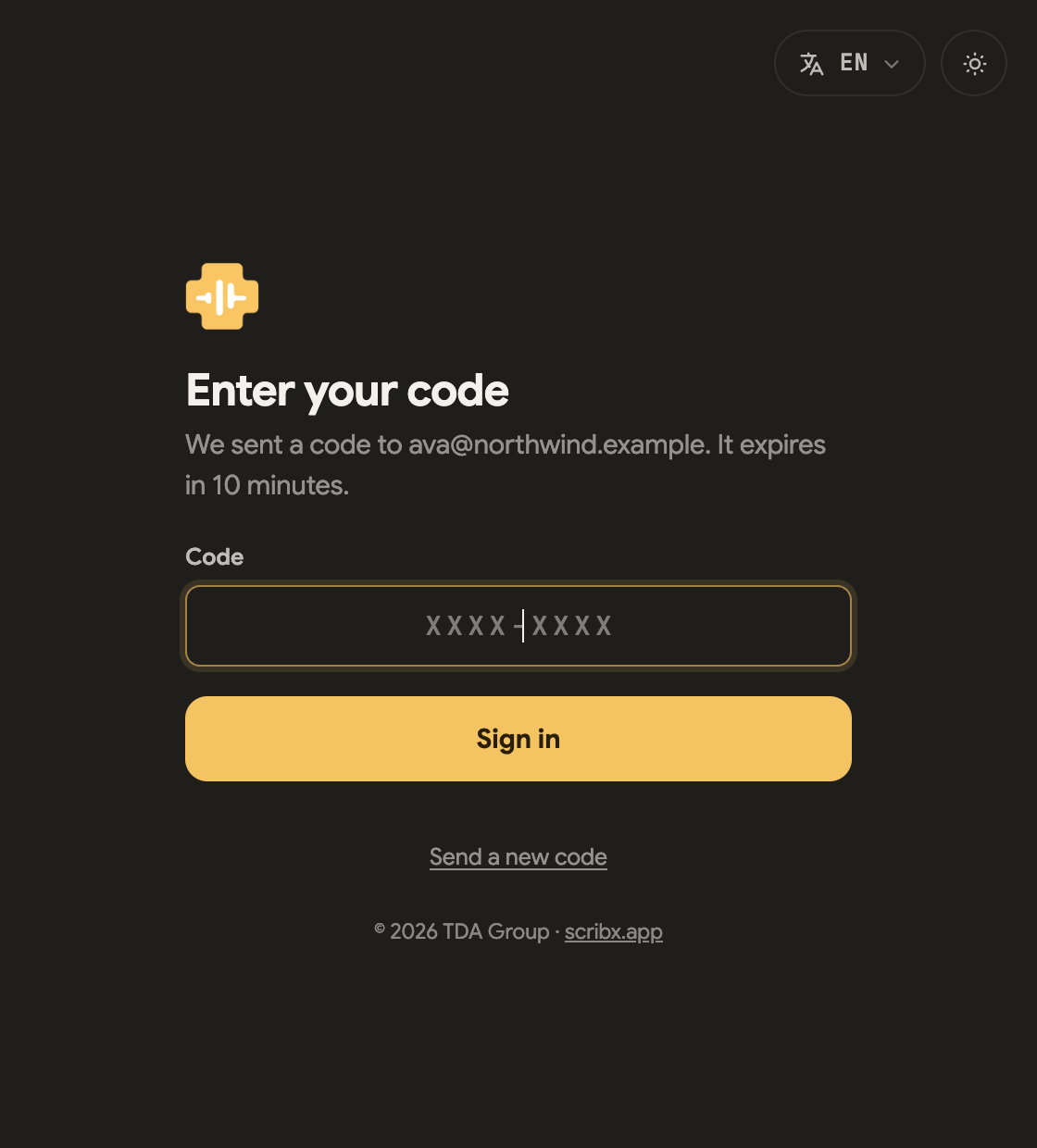
- On the log-in screen, choose Email me a sign-in code.
- Enter your email and click Send code.
- Find the code in your email. It looks like
XXXX-XXXX. Type it and click Sign in.
Good to know:
- The code expires after 10 minutes.
- You can try three times with each code. After that, ask for a new code.
- Send a new code sends a new one. You can do this up to three times. Older codes stop working.
- The code goes only to the email address you typed. If you typed a wrong address, no email arrives. Check the address, and check your spam folder.
Email and password
Enter your email and password, then click Continue. Forgot your password? Click Forgot? next to the password field. ScribX emails you a link to set a new one. Or use a sign-in code instead.
Sign in from the extension
First, install the extension and pin it to your toolbar. Then:
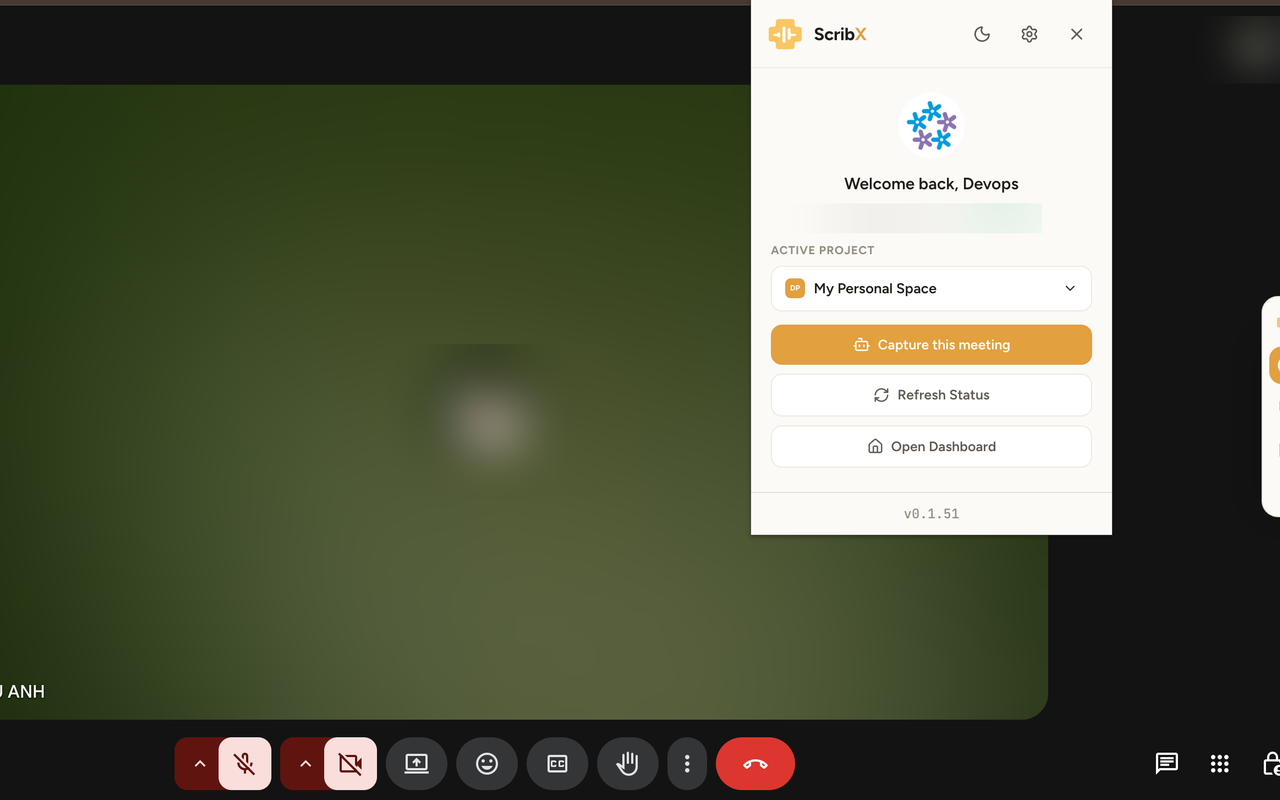
- Click the ScribX icon in your browser toolbar.
- Click Sign In. A ScribX sign-in page opens in a new tab. Sign in there in one of the three ways above.
- Click the ScribX icon again. The popup now shows your name. You are also signed in to the web app.
If you sign out in the web app or in the extension, you are signed out of both on that computer. When you sign in again, you are signed in to both.
Teams, organizations and roles
Your account belongs to an organization (your company's space in ScribX). Inside the organization there are teams. The team you record a meeting in decides who can see it.
- Members record, read and share their own meetings.
- Admins also manage members, team settings and billing.
For how access works in detail, see Teams & roles.